Confused by the sheer number of AI image generators flooding the market? You’re not alone. What started as a fun novelty just a few years ago has rapidly evolved into essential workflow software for marketers, designers, and founders alike.
Today, AI image generators are used for everything from ad creatives and social graphics to ecommerce imagery, concept art, and internal presentations. But with so many options available, how do you choose the right one for your business? The question is no longer just whether an AI tool can make something impressive from a text prompt. The real question is whether it can produce usable images quickly, consistently, safely, and at a cost that makes sense for actual work.
In this guide, we break down the 9 best AI image generators for professionals in 2026, covering both free and paid options. We’ll explore their strengths, weaknesses, pricing, and the specific use cases where they shine — helping you find the perfect tool to elevate your visual content strategy.
What Is an AI Image Generator?
An AI image generator is a system that creates new images from instructions. Those instructions may be text prompts, reference images, masks, style cues, or a combination of all of them. Instead of selecting from a database of existing pictures, the model synthesises a new output based on patterns learned during training. In plain language: you describe what you want, and the model predicts what that image should look like.
Modern AI image generators go far beyond basic text-to-image conversion. Many now support image editing with natural language, inpainting (replacing part of an image), outpainting (extending the canvas), style transfer, transparent backgrounds, text rendering inside images, and conversational iteration over several turns.
What Makes a Great AI Image Generator for Professionals?
Not all AI image generators are created equal. When evaluating these platforms for business use, the following factors matter most:
| Factor | Why It Matters |
|---|---|
| Prompt Adherence | Can the model follow detailed instructions closely, or does it drift into its own interpretation? Critical for brand-specific compositions. |
| Editing Reliability | Can you fix specific parts of an image without regenerating the entire picture? Strong editing saves time and prevents endless prompt loops. |
| Text Rendering | If your visuals require readable on-image copy, the tool’s ability to accurately generate text is a major differentiator. |
| Brand Safety & Commercial Use | Does the platform offer clear commercial usage rights and legally sound training sources? For enterprise teams, governance matters more than visual flair. |
| Workflow Integration | Does the tool integrate with your existing design software (e.g., Adobe Creative Cloud, Canva), or is it a standalone platform? |
| Speed at Scale | One fast generation is not the same as a scalable production workflow. Teams generating high volumes need to think about total throughput. |
The 9 Best AI Image Generators for Professionals
1. ChatGPT (GPT Image 1.5)
Best for: General-purpose image generation and iterative editing
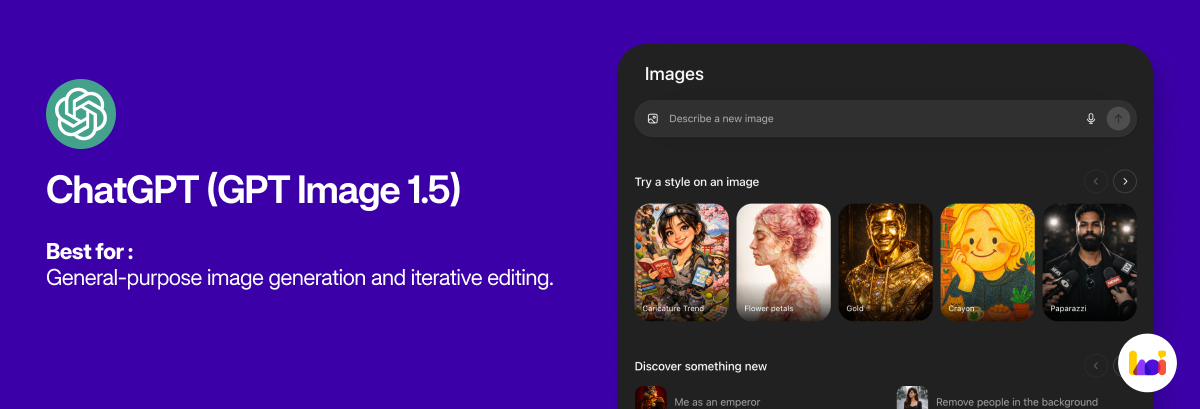
OpenAI’s image generation capabilities, integrated directly into ChatGPT, offer one of the strongest all-around choices for professionals. It combines excellent prompt adherence with a conversational editing workflow that allows you to refine visuals step-by-step — asking ChatGPT to change the lighting, adjust the crop, or modify specific elements without starting from scratch. It is particularly powerful for ad concepting, blog and landing page imagery, and composite images based on multiple references.
Its best-known feature is its ability to adhere to image prompts: upload a photo and direct it to recreate the scene in the style of Picasso, Vermeer, or Studio Ghibli, and it will do an exceptional job.
Pricing: Free (limited); ChatGPT Plus at $20/month for unrestricted use.
2. Nano Banana Pro
Best for: Complex compositions, fine typography, and studio-quality hero images
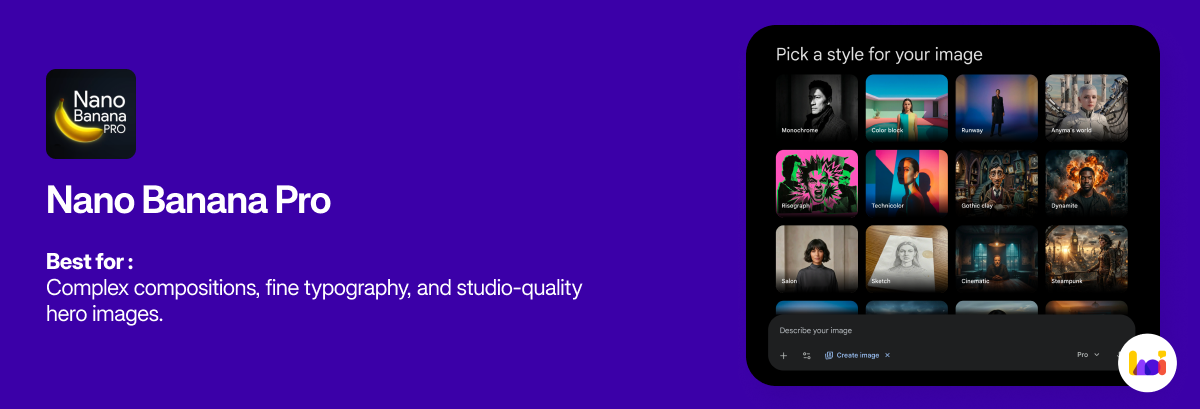
Powered by Google’s Gemini 3.0 reasoning engine, Nano Banana Pro has quickly become a top-tier choice for professionals who need absolute precision. Unlike faster, lighter models, Nano Banana Pro allocates significantly more compute to understanding the spatial relationships between elements in your scene. When your prompt involves multiple objects, layered lighting, and a specific mood, Pro’s extra reasoning depth results in incredibly accurate placement and coherent interactions.
It is the ideal tool for high-stakes print assets, complex studio-quality hero images, and projects where absolute quality and prompt adherence are more critical than generation speed.
Pricing: Available via API ($0.15 per standard image, $0.30 per 4K image) or through premium subscription tiers.
3. Midjourney
Best for: Distinctive visual style and art-driven outputs
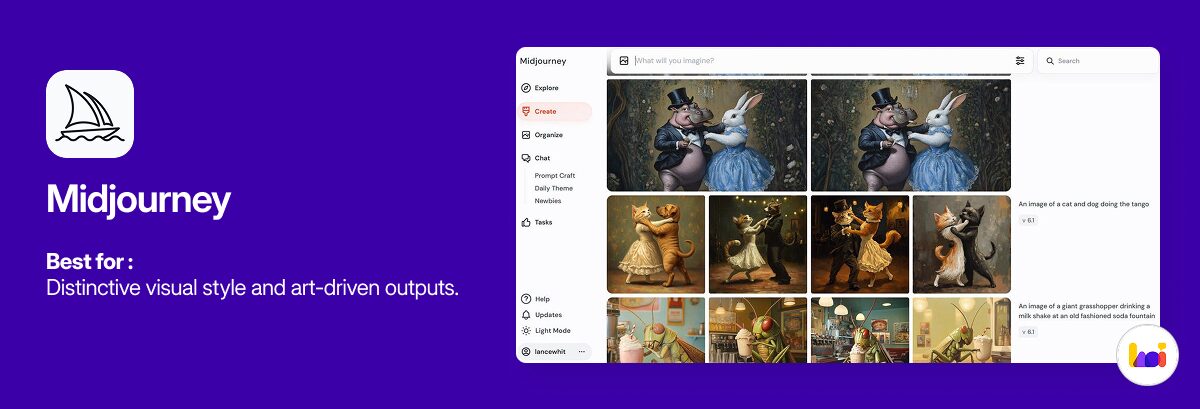
Midjourney remains the undisputed leader in artistic, highly stylised AI imagery. It is the go-to tool for designers, concept artists, and brand teams who want images that feel composed and atmospheric rather than merely generated. Its strength is not just technical image quality — it is taste. Midjourney consistently produces outputs with a strong sense of atmosphere, texture, and visual drama, making it ideal for editorial-style imagery, campaign inspiration, and moodboards.
That said, its strong built-in aesthetic can sometimes fight against literal prompt obedience, making it less ideal for strict ecommerce product work or text-heavy graphics. Images are also public by default on lower-tier plans, which may be a dealbreaker for confidential business projects.
Pricing: Starts at $10/month (Basic Plan, approx. 200 images/month).
4. Adobe Firefly
Best for: Business-safe workflows and Adobe-centric creative teams
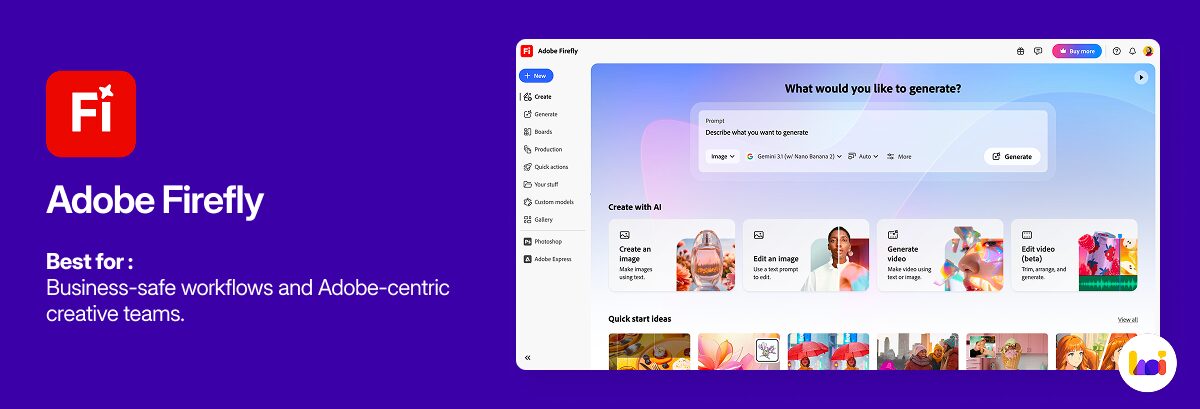
Adobe Firefly’s main advantage is not merely image generation quality — it is workflow fit and commercial safety. Trained exclusively on licensed and public domain content, Firefly is designed for enterprise confidence. Its true power lies in its seamless integration with Photoshop and Adobe Express. Features like Generative Fill and Generative Expand allow professionals to edit and extend images with context-aware precision directly within their standard design environment.
For many internal brand teams, the governance, provenance, and integration advantages of Firefly matter more than pure image spectacle. It is particularly appealing when AI image generation is part of a broader production chain inside Photoshop, Express, or campaign operations.
Pricing: Limited free credits; standalone plans from $9.99/month (2,000 credits); or included with Creative Cloud subscriptions.
5. Canva AI (Magic Media)
Best for: Non-designers and fast content production
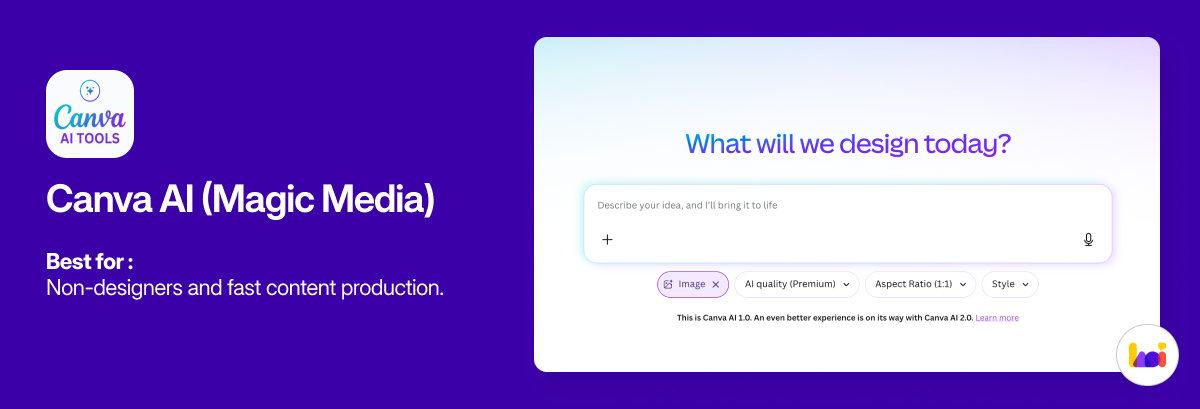
Canva’s AI image tools are built around one core advantage: accessibility. If your team needs to move from a text prompt to a usable design asset without a steep learning curve, Canva is often the easiest path. It places AI generation directly inside a familiar, template-driven environment, allowing marketers and founders to instantly drop generated images into social posts, presentations, or flyers — all without switching tools.
It is especially attractive for small businesses, startups, and cross-functional teams because the generation step is only part of the job. The image can be combined with copy, resized, translated, shared, or exported without leaving the Canva ecosystem.
Pricing: Available on Canva Free (limited); full access included with Canva Pro ($14.99/month).
6. Ideogram
Best for: Accurate text rendering inside images
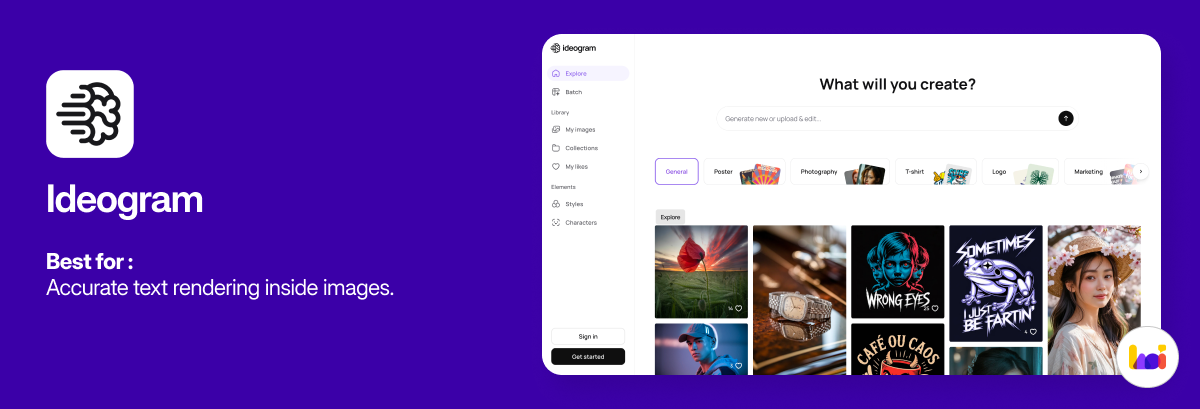
Historically, generating readable text inside AI images has been one of the hardest problems in the field. Ideogram has largely solved it. Its latest 3.0 algorithm can accurately and reliably include text alongside any generated image — making it the top choice for posters, packaging mockups, social promos, and thumbnails that require on-image copy.
What makes this more impressive is that Ideogram is also one of the best image generators overall. It features an intuitive web app, a Batch Generator for bulk prompt uploads, a canvas feature for complex designs, and a Character creator for putting the same person in any scene. In head-to-head testing, its overall quality rivals Midjourney.
Pricing: Limited free plan (10 credits/week); Plus plan from $20/month (1,000 priority credits/month).
7. FLUX (by Black Forest Labs)
Best for: Customisation, control, and open-source ecosystems
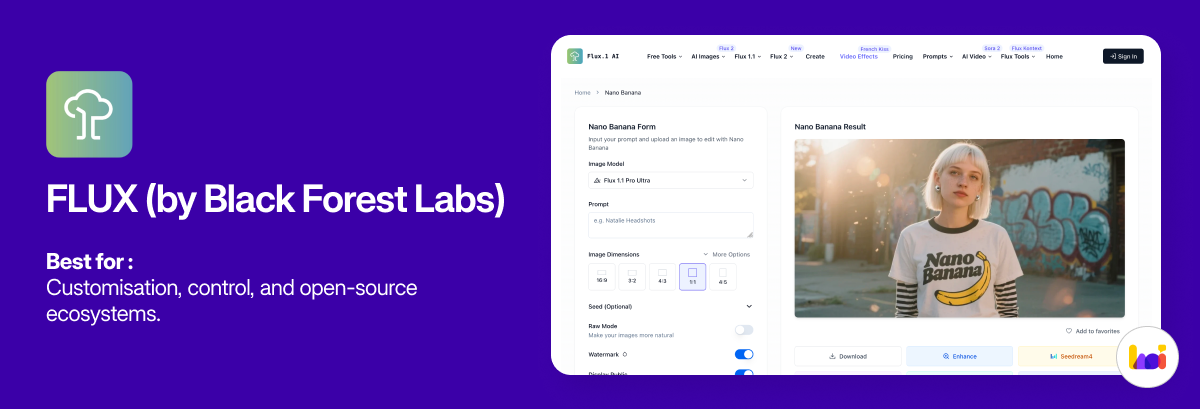
The FLUX series was created by the original team behind Stable Diffusion, who left to found Black Forest Labs after Stability.ai’s collapse in 2024. FLUX now represents the premier open text-to-image models available, and it appeals to technical teams and advanced users who want deep control over prompting, fine-tuning, and custom pipelines.
While it requires more setup and technical know-how than web-based apps, the tradeoff is unparalleled flexibility. FLUX is excellent for character consistency workflows, custom style adaptation, and organisations building internal image generation systems. For non-developers, it is accessible through platforms like NightCafe and Tensor.Art.
Pricing: Varies by platform; many offer free credits.
8. Google Veo 3
Best for: Cinematic video generation and integrated audio
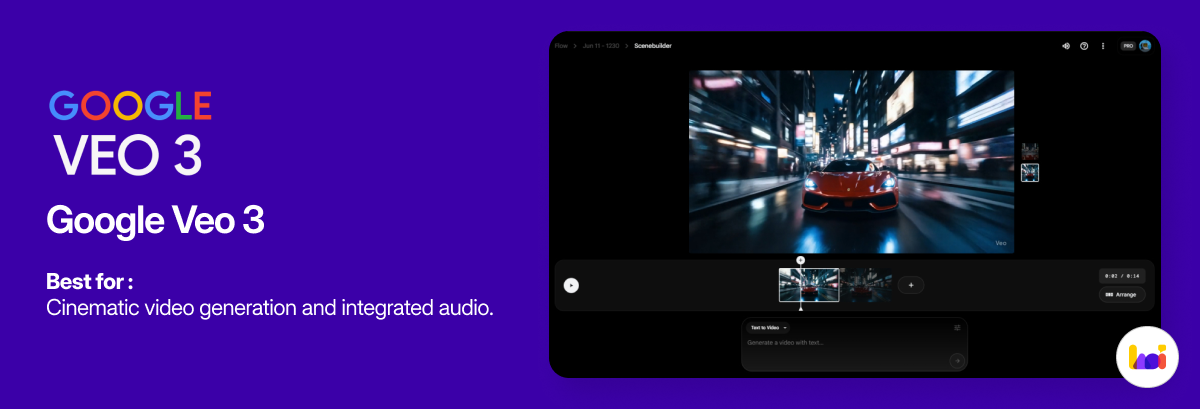
While primarily known as Google’s most advanced text-to-video model, Veo 3 deserves a spot on this list for professionals who need to move seamlessly between static imagery and dynamic video content. Announced at Google I/O 2025, Veo 3 generates highly realistic videos from simple text or image prompts, and uniquely, it integrates natural sound effects, ambient audio, and spoken dialogue directly into the output.
For creative directors, marketers, and storytellers, Veo 3 (and its dedicated Flow editing tool) allows you to preview lighting, camera angles, and motion in minutes — essentially bringing storyboards to life before a shoot even begins.
Pricing: Available via the Google AI Ultra plan at $249.99/month (currently U.S. only).
9. DeeVid AI Image Generator
Best for: Fast AI image generation, reference-based editing, and multi-format creative workflows
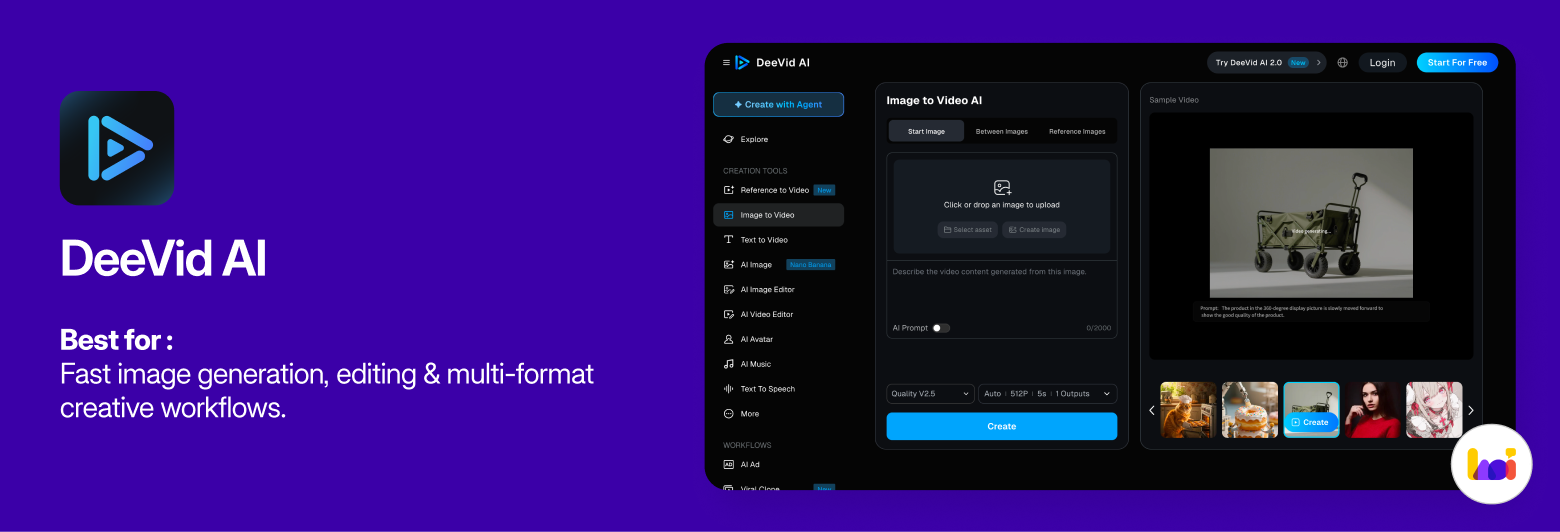
DeeVid AI Image Generator is a strong choice for professionals who need more than simple text-to-image generation. It supports text-to-image, image-to-image, and reference image generation, allowing users to create new visuals from scratch or restyle existing images while preserving structure, pose, mood, or visual direction. This makes it especially useful for marketers, ecommerce teams, and content creators who need to produce product shots, campaign visuals, social media assets, and branded creative variations quickly.
Its biggest advantage is workflow breadth. Instead of treating generation and editing as separate steps, DeeVid combines image creation with practical editing tools such as background removal, object removal or replacement, canvas expansion, image enhancement, and upscaling. Users can also choose from multiple AI models depending on the desired style, quality, and output type. For teams that already create both images and videos, DeeVid is particularly appealing because it sits inside a broader AI creative platform that also includes video, avatar, music, and ad-generation tools.
Pricing: Free trial available; paid plans unlock higher limits, faster generation, advanced tools, and commercial use for assets created in DeeVid.
Quick Comparison: 9 Best AI Image Generators at a Glance
| Tool | Best For | Free Plan | Starting Paid Price |
|---|---|---|---|
| ChatGPT (GPT Image 1.5) | General use & iterative editing | Yes (limited) | $20/month |
| Nano Banana Pro | Complex compositions & typography | No | $0.15/image (API) |
| Midjourney | Artistic & stylised imagery | No | $10/month |
| Adobe Firefly | Business-safe & Adobe workflows | Yes (limited credits) | $9.99/month |
| Canva AI | Non-designers & fast production | Yes (limited) | $14.99/month |
| Ideogram | Accurate text in images | Yes (limited) | $20/month |
| FLUX | Customisation & open-source | Yes (via platforms) | Varies |
| Google Veo 3 | Cinematic video & audio integration | No | $249.99/month |
| DeeVid AI Image Generator | Fast image generation, editing & multi-format creative workflows | Yes, free trial | Paid plans available |
How to Write Better AI Image Prompts
Getting the best results from any AI image generator requires effective prompting. A strong prompt does not need to be overly long, but it must be specific in the right places. When crafting your prompt, try to answer these key questions:
- Subject — What is the main focus of the image?
- Action — What is happening in the scene?
- Environment — Where is it taking place?
- Framing — What is the angle or shot type (e.g., close-up, wide shot)?
- Style — What is the visual treatment (e.g., photorealistic, 3D render, watercolour)?
- Lighting/Mood — What is the atmosphere or colour palette?
- Aspect Ratio — Does it need to be square (1:1), landscape (16:9), or portrait (4:5)?
Weak prompt: “Create a fitness ad image.”
Strong prompt: “Create a clean, modern fitness ad visual featuring a woman doing kettlebell swings in a bright industrial gym, mid-motion, realistic style, high contrast but natural lighting, shallow depth of field, brand-neutral apparel, space on the left for headline text, 4:5 aspect ratio.”
Frequently Asked Questions (FAQ) About AI Image Generators
1. What is the best AI image generator overall in 2026?
For most professionals, ChatGPT (GPT Image 1.5) is the best all-around AI image generator due to its ease of use, strong prompt adherence, and conversational editing workflow. For complex, studio-quality compositions, Nano Banana Pro is highly recommended, while Midjourney remains the top choice for artistic outputs.
2. Which AI image generator is free?
Several AI image generators offer free plans, including Deevid AI (free trial), Ideogram (10 credits/week), Canva AI (limited generations), and Adobe Firefly (limited monthly credits). FLUX can also be used for free through third-party platforms like NightCafe.
3. Which AI image generator is best for commercial use?
Adobe Firefly is the safest choice for commercial use, as it was trained exclusively on licensed and public domain content. Midjourney, Ideogram, and Deevid AI also permit commercial use on paid plans, but users should review each platform’s terms carefully.
4. Can AI image generators generate text accurately?
Most AI image generators still struggle with accurate text rendering. Ideogram is widely considered the best tool for generating readable text inside images, followed closely by Nano Banana Pro and ChatGPT (GPT Image 1.5).
5. What is the best AI image generator for non-designers?
Canva AI (Magic Media) is the most accessible AI image generator for non-designers, as it integrates image generation directly into a familiar template-based design environment.
6. Is it legal to use AI-generated images commercially?
This depends on the platform. Adobe Firefly offers the strongest commercial safety guarantees due to its training data. For other tools, commercial use is generally permitted on paid plans, but the legal landscape around AI-generated content is still evolving. Always review the specific terms of service for the platform you use.
Conclusion: Which AI Image Generator Is Right for You?
The best AI image generator is not a universal choice, it is the one that matches your specific output type, editing needs, brand risk tolerance, and production volume.
If you need seamless integration with your existing design workflow and prioritise commercial safety, Adobe Firefly is the clear winner. For breathtaking artistic concepts and campaign inspiration, Midjourney remains unmatched. If you need absolute precision and complex compositions, Nano Banana Pro is the new standard. If you need to generate text-heavy graphics quickly, Ideogram is your best bet. For general-purpose, iterative editing that works across departments, ChatGPT offers incredible versatility. And if you need fast, highly customisable assets with a generous free tier, Deevid AI is an excellent addition to your toolkit.
By understanding the strengths of each platform, you can integrate AI image generation into your professional workflow to save time, reduce costs, and expand your creative capabilities significantly.
If you want to go beyond experimenting and actually master these tools in a structured way, tools like Nano Banana Pro, ChatGPT, and others covered in this guide are taught hands-on in Heicoders Academy’s Generative AI course and AI Digital Marketing course — designed for professionals who want to apply AI practically in their work.